How Do You Choose Music Education Equipment for a New Campus?
A new campus can have a fully stocked music department and still struggle to run a lesson: keyboards lack enough headphone outputs, instruments do not fit younger students, or rehearsal sound spills into neighboring classrooms. Choose equipment by working backward from the curriculum, the largest simultaneous teaching group, and the rooms available—not by starting with a supplier’s package.
The practical answer to how to choose music education equipment for a new campus is to define teaching requirements first, confirm acoustic and infrastructure constraints, then compare equipment on usability, serviceability, and total ownership cost. Buy the equipment needed for opening-day lessons, while reserving space, connections, and budget for programs that will develop later.
Turn the curriculum into a room-by-room purchasing brief
Before requesting quotations, ask music staff to describe what students must actually do in each space. “Music classroom” is too vague for procurement. Whole-class rhythm work, individual piano practice, ensemble rehearsal, and audio production require different equipment, furniture, and room conditions.
For each planned activity, record the student age range, maximum simultaneous participation, weekly use, teaching method, and assessment needs. Distinguish between instruments assigned to individual students and equipment shared across a timetable. A shared keyboard inventory only works when room availability, transport, and lesson schedules support it.
Convert this brief into quantities using peak simultaneous demand rather than total enrollment. Include teacher demonstration equipment, essential accessories, and selected spares where one failure would interrupt an entire class. Leave specialist instruments off the opening order when no teacher, course, or rehearsal allocation exists to use them.
Resolve room constraints before choosing models
A loudspeaker upgrade cannot correct inadequate sound isolation, and expensive microphones will still capture excessive room reflections. Review the building design before committing to equipment whose performance depends on the space.
Sound isolation and acoustic treatment solve different problems. Isolation limits sound transmission between spaces; treatment manages reflections within a room. Foam panels alone will not reliably prevent percussion from disturbing an adjacent classroom. Where simultaneous teaching creates a clear conflict, have an acoustic specialist assess the construction, doors, ventilation paths, and proposed activities.
Map instrument positions, teaching sightlines, storage access, power outlets, and cable routes. Check delivery access for large instruments, including door widths, lifts, turns, and any relevant floor-loading limits. A piano that fits the room may still be difficult to move into it.
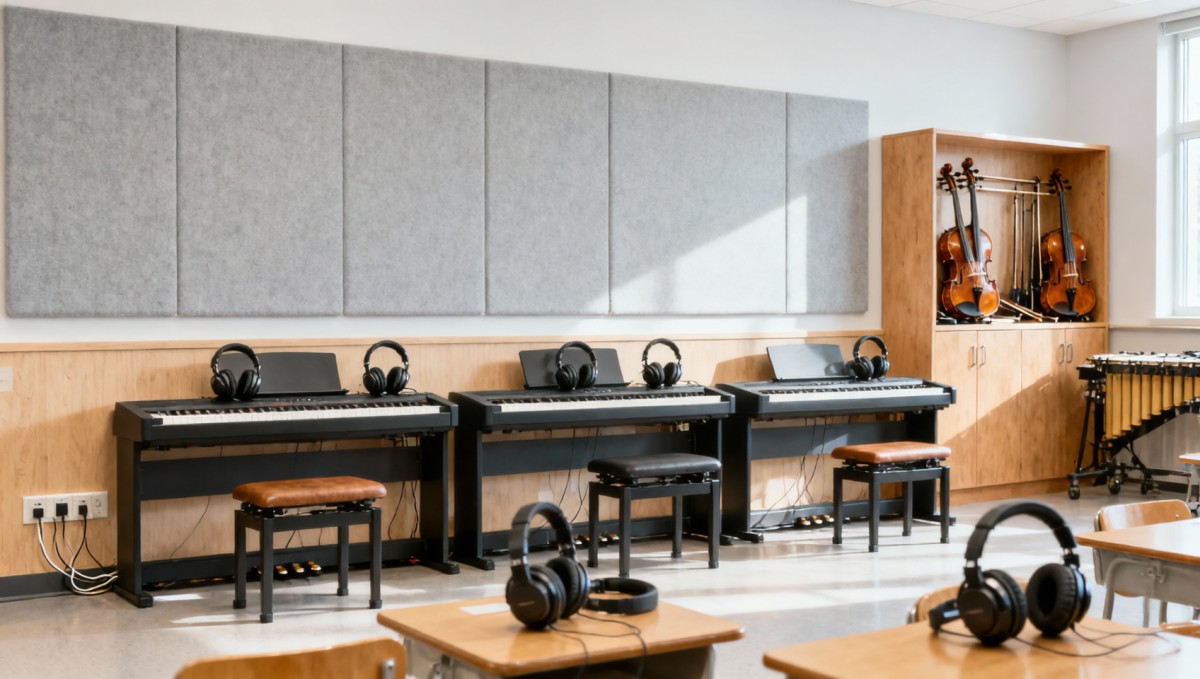
Recording rooms also need attention to ventilation noise and electrical connections. Agree on safe cable routing and adequate outlets before furniture installation. Wireless systems require a separate check of locally permitted operating frequencies and likely interference; do not assume equipment supplied for another market is suitable.
Match instrument specifications to student use
Keyboards and digital pianos
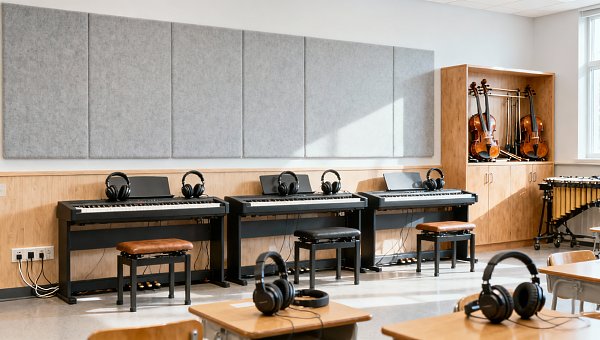
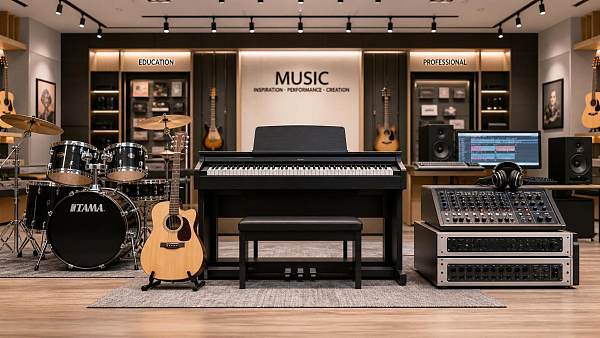
For piano technique, prioritize an appropriate key range, weighted action, stable pedals, and a playing position that supports correct posture. An 88-key weighted digital piano is generally better suited to sustained piano study than a compact unweighted keyboard. Introductory composition or classroom music may justify a different balance of portability, sounds, and cost.
Test the complete teaching arrangement, not just the instrument. Can a teacher listen to an individual student without disrupting others? Are headphone connectors accessible? Can students accidentally change essential settings? Confirm whether headphones, adapters, pedals, stands, and benches are included, and check how easily damaged accessories can be replaced.
Strings, wind instruments, and percussion
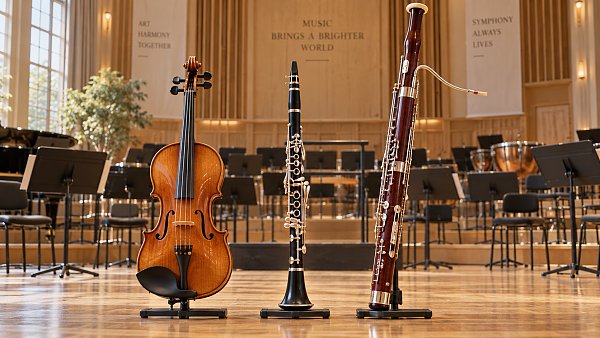
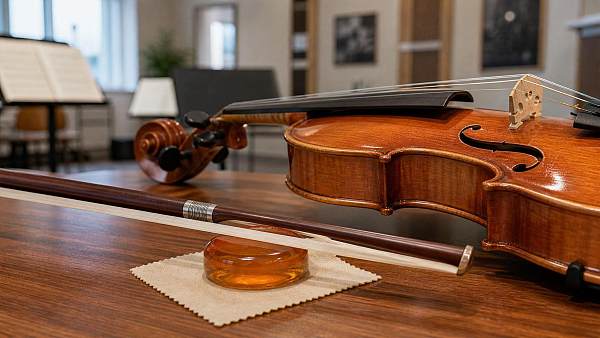
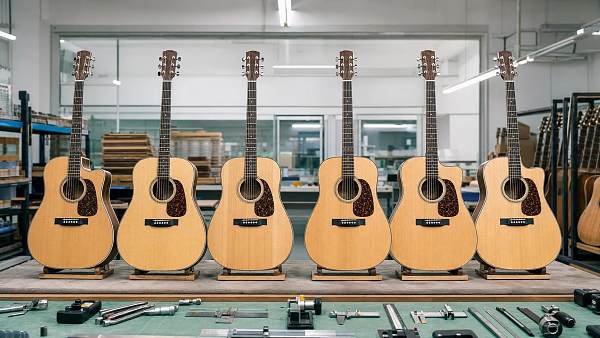
Student instruments should be playable, consistently adjustable, and supported by accessible repair services. Poor setup can make a beginner struggle unnecessarily. Ask a qualified teacher or instrument technician to assess representative samples for response, tuning behavior, mechanical operation, and construction.
Size bowed strings to the student rather than ordering one size for an entire year group. For wind instruments, consider hand reach, weight, mouthpiece suitability, cleaning requirements, and the availability of school-owned instruments for students who cannot supply their own.
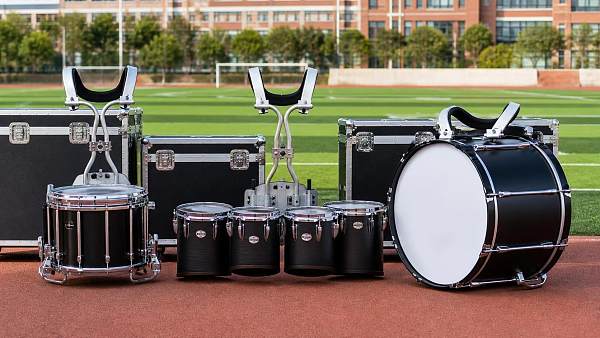
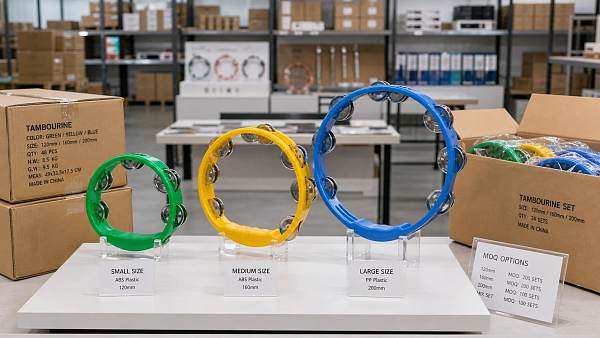
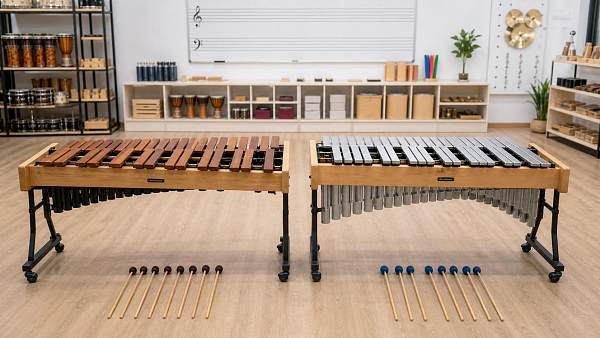
Percussion purchases need a storage and handling plan. Consider stable stands, manageable instrument weight, replaceable heads and beaters, and safe transport. Drum kits and amplified instruments also introduce sound-exposure concerns; plan supervision and appropriate controls rather than relying solely on hearing protection.
Keep recording and performance systems teachable
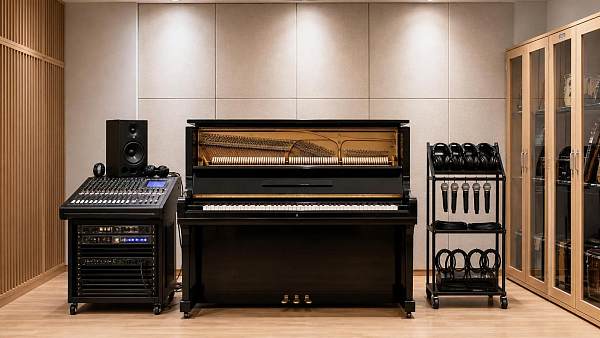
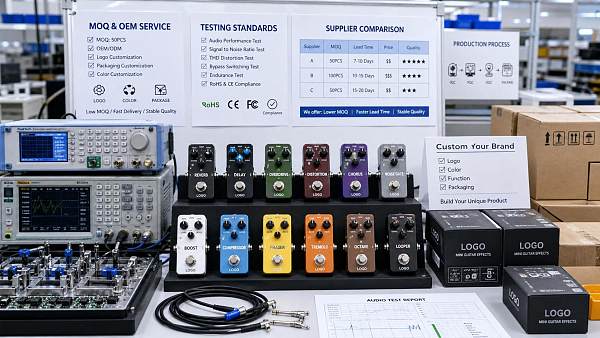
Recording facilities should support the course without making every lesson a troubleshooting session. Begin with the number of simultaneous inputs required, the software students will use, and the monitoring method. A small-group podcast task and a live ensemble recording need different interface capacities.
- Verify compatibility: Check operating systems, interface drivers, software versions, ports, and any required adapters.
- Confirm licensing: Establish whether software permits shared computers, managed accounts, offline use, and the expected number of users.
- Plan file handling: Decide where projects are stored, how students retrieve them, and who manages backups and account access.
- Test lesson readiness: Check startup, login, recording, playback, and reset procedures using the intended campus configuration.
For sound reinforcement, choose microphone quantities and mixer inputs from actual performance requirements. Allow reasonable expansion, but avoid a large console that staff cannot operate confidently. Loudspeaker coverage, microphone placement, feedback control, and speech intelligibility matter more than an isolated power rating.
A portable system suits occasional performances in changing spaces, but creates setup, transport, and storage work. A fixed installation can simplify recurring events in one venue, provided the design is appropriate. Suspended loudspeakers, structural fixings, and permanent electrical work require qualified design and installation.
Build the budget around ownership, not unit prices
Compare quotations over the same planned ownership period. A low purchase price can be misleading when it excludes installation, software renewals, tuning, replacement batteries, or local repair support. Conversely, premium specifications have little value if the curriculum never uses them.
Use a cost schedule covering equipment, delivery, installation, commissioning, accessories, training, routine servicing, consumables, subscriptions, and expected replacements. Separate confirmed supplier prices from estimates so uncertainty remains visible.
Storage belongs in the opening budget. Instrument racks, cases, lockable cabinets, charging arrangements, and suitable carts protect the purchase and reduce lesson setup time. Check environmental requirements for acoustic instruments, particularly where heating, cooling, or seasonal humidity may affect condition and tuning.
Divide the order into opening essentials, justified expansion, and optional specialist equipment. Protect the essentials first: a complete, serviceable classroom setup is more useful than a showcase purchase that leaves basic lessons short of instruments or cables. For rarely used specialist equipment, compare purchase with rental, including transport, availability, and responsibility for damage.
Make suppliers quote against the same requirements
Send every bidder the same schedule of quantities, minimum requirements, room conditions, and required services. Specify educational outcomes where possible: reliable individual headphone practice is a clearer requirement than a list of decorative features copied from a catalog.
Require suppliers to identify exact models, included accessories, proposed substitutions, lead times, warranty terms, and exclusions. For international sourcing, clarify delivery responsibilities, import-related costs, electrical compatibility, and who handles damage or warranty returns.
Request documentation relevant to the equipment and destination market. Requirements differ between electrical products, furniture, wireless devices, and installed systems. A generic claim of “international certification” is not enough; verify the applicable documentation and whether it covers the offered model.
Service questions often reveal differences that specification sheets miss:
- Who performs repairs locally, and what happens if an item must be returned overseas?
- Which spare parts are available, and are routine service instructions provided?
- Does warranty coverage permit institutional use, and what exclusions apply?
- Will substitutions require written approval before dispatch?
- What installation, staff training, and acceptance testing are included?
Standardizing selected models can simplify teaching, spares, and repairs. Avoid making the entire program dependent on proprietary accessories or software without understanding replacement availability and ongoing charges.
Evaluate samples through a complete lesson task
A showroom demonstration rarely reveals classroom bottlenecks. Before a large order, arrange a sample evaluation involving the teachers who will use the equipment and the technicians who will maintain it. Include accessibility requirements: seating clearance, control reach, instrument handling, and available adaptations may rule out otherwise suitable options.
- Set up the activity: Unpack, connect, position, and prepare the equipment as staff would before class.
- Run the teaching task: Try the relevant playing, listening, recording, or performance workflow.
- Check shared-use behavior: Test headphones, teacher monitoring, account access, and changeovers between students.
- Reset and store: Return settings to the agreed default, disconnect safely, and move everything to storage.
- Record findings: Note faults, missing accessories, awkward controls, and support requirements against the purchasing brief.
Use essential requirements as pass-or-fail conditions before comparing preferences. An instrument that cannot support the required technique, or software that cannot operate on campus-managed computers, should not win because it scores well on appearance or extra features.
Accept the installation before releasing it for teaching
Schedule delivery early enough to allow inspection, setup, and correction before students arrive. Coordinate it with building readiness: dusty construction areas and uncontrolled storage conditions are unsuitable places to leave sensitive instruments and electronics.
At handover, verify quantities, models, serial numbers, accessories, physical condition, and operation. Test installed systems in their intended rooms, including microphones, playback, teacher controls, and any recording connections. Record unresolved defects and missing items rather than treating delivery as proof of completion.
Assign responsibility for asset records, instrument loans, cleaning, servicing, and fault reporting. Staff should receive operating instructions, warranty contacts, software access details, and practical training. For equipment whose failure would stop teaching, establish a workable fallback—such as a spare keyboard, replacement interface, or accessible loan instrument—before the first timetable depends on it.
Search News
Hot Articles
- Pro Stage AudioDesigning Theater Sound Systems for Clear Dialogue and Even Audience CoverageOct 15, 2026
- Musical InstrumentsHow Do You Choose Music Education Equipment for a New Campus?Oct 15, 2026
- Arcade & VR MachinesChoosing a Racing Simulator Cockpit for an FEC: Durability and Guest FitOct 14, 2026
Popular Tags
Need ExpertConsultation?
Connect with our specialized leisureengineering team for procurementstrategies.
Recommended News
 Oct 15, 2026How Do You Choose Music Education Equipment for a New Campus?Learn how to choose music education equipment for a new campus with practical tips on curriculum fit, acoustics, suppliers, and ownership costs. Equip classrooms confidently and avoid costly mistakes.● Pro Audio Engineer
 Oct 10, 2026A Practical Guide to Identifying Wooden Orchestral Instruments by Family and ToneWooden orchestral instruments made simple: identify strings, flutes, clarinets, oboes, and bassoons by sound source, design, and tone.● Pro Audio Engineer
 Sep 11, 2026How to Choose Touring Instrument Cases for Flights, Trucks, and Daily Load-InsInstrument cases for touring: learn how to balance flight protection, truck durability, weight, fit, and serviceable hardware for safer, faster load-ins.● Pro Audio Engineer
 Sep 07, 2026How to Choose Wood Frame Tambourines for Sound Quality and Long-Term UseWood frame tambourines: learn how to compare frame construction, jingle tone, head options, durability, and supplier quality for reliable long-term performance.● Pro Audio Engineer
 Sep 05, 2026How Often Should Music Education Equipment Be Serviced?How often should music education equipment be serviced? Explore practical schedules, maintenance tips, and lifecycle planning to keep instruments and audio systems reliable.● Pro Audio Engineer
 Aug 21, 2026How to Choose Marching Band Drums for Sound Projection, Weight, and DurabilityMarching band drums buying guide: learn how to balance sound projection, weight, and durability for better field performance, easier carrying, and longer-lasting value.● Pro Audio Engineer
 Aug 09, 2026How to Evaluate a MIDI Cable Manufacturer for Audio Quality and OEM ReliabilityMIDI cable manufacturer evaluation guide: learn how to assess signal stability, connector quality, OEM process control, and batch consistency to reduce failures and source with confidence.● Pro Audio Engineer
 Aug 08, 2026How to Evaluate a Trumpets OEM Manufacturer for Quality, MOQ, and Custom DesignTrumpets OEM manufacturer selection starts with quality, MOQ, and custom design control. Learn how to compare suppliers, reduce sourcing risk, and choose a reliable long-term factory partner.● Pro Audio Engineer
 Jul 27, 2026How to Source Conga Drums in Bulk for Schools, Bands, and Event ProgramsConga drums bulk sourcing for schools, bands, and event programs made easier. Learn how to compare quality, durability, compliance, and total cost before you place a large order.● Pro Audio Engineer
 Jul 24, 2026How to Choose Low Dust Violin Rosin for Cleaner Practice and Better Bow ControlLow dust violin rosin buying guide: learn how to compare formula, climate fit, grip, and string compatibility for cleaner practice, better bow control, and smarter purchase decisions.● Pro Audio Engineer
 Jul 15, 2026Plastic Tambourines Bulk Buying Guide: Sizes, Materials, and MOQ QuestionsPlastic tambourines bulk buying guide covering sizes, ABS vs PP materials, sound consistency, customization, and MOQ questions to help buyers cut risk and choose the right supplier.● Pro Audio Engineer
 Jul 13, 2026Acoustic Guitars Wholesale China: How to Evaluate Build Quality and OEM OptionsAcoustic guitars wholesale China guide: learn how to assess build quality, factory consistency, and OEM options to choose reliable suppliers and reduce sourcing risk.● Pro Audio Engineer
 Jul 12, 2026Mini Effect Pedals Wholesale: MOQ, OEM Options, Testing, and Supplier ComparisonMini effect pedals wholesale guide covering MOQ, OEM options, testing standards, and supplier comparison to help buyers reduce risk, improve margins, and choose reliable partners.● Pro Audio Engineer
 Jul 11, 2026DJ Turntables OEM Guide: Key Torque, Drive, and Build Specs to CompareDJ turntables OEM guide covering torque, drive type, speed stability, platter build, and manufacturing consistency. Compare the specs that impact performance, reliability, and sourcing confidence.● Pro Audio Engineer
 Jul 08, 2026Guitar Capos Wholesale: What Materials, Clamp Types, and MOQ Terms Should You Compare?Guitar capos wholesale buying starts with more than price. Compare materials, clamp types, quality checks, and MOQ terms to reduce returns, protect margins, and choose a supplier with confidence.● Pro Audio Engineer
 Jul 07, 2026Birch Drum Kits Manufacturer Comparison: Shell Construction, Hardware Quality, and OEM OptionsBirch drum kits manufacturer comparison covering shell construction, hardware quality, and OEM options to help buyers reduce sourcing risk and choose reliable suppliers.● Pro Audio Engineer
 Jul 06, 2026Spruce Top Acoustic Guitars Explained: Tone, Wood Grades, and Who They Suit BestSpruce top acoustic guitars explained: compare tone, wood grades, and build quality to find the best fit for players, retailers, and commercial buyers.● Pro Audio Engineer
 Jun 30, 2026Xylophones and Glockenspiels: Key Differences in Range, Tone, and Classroom UseXylophones and glockenspiels compared: discover key differences in range, tone, durability, and classroom use to choose the right instrument for teaching, buying, or school programs.● Pro Audio Engineer
 Jun 25, 2026Musical Instrument Industry Report: Key Market Segments, Demand Drivers, and Price TrendsMusical instrument industry report covering key market segments, demand drivers, and price trends. Explore sourcing risks, premium growth, and where buyer demand is shifting next.● Pro Audio Engineer
 Jun 23, 2026Metronomes and Tuners Explained: Types, Key Features, and Who Needs BothMetronomes and tuners explained: compare types, key features, and who needs both. Learn how to choose the right tool for better timing, pitch, and practical daily use.● Pro Audio Engineer
 Jun 22, 2026How the Musical Instrument Industry Supply Chain Affects Lead Times, Cost, and QualityMusical instrument industry supply chain trends now shape lead times, cost, and quality. Discover how smarter sourcing and supplier transparency reduce risk and improve buying outcomes.● Pro Audio Engineer
 Jun 20, 2026DJ Headphones Wholesale Buying Guide: OEM Options, MOQ, and Audio Specs to CompareDJ headphones wholesale guide covering OEM options, MOQ strategy, and key audio specs. Compare build quality, compliance, and total cost to source smarter and reduce returns.● Pro Audio Engineer
 Jun 19, 2026Acoustic Guitars Wholesale: 7 Specs Buyers Should Compare Before Placing an OrderAcoustic guitars wholesale buyers can compare 7 key specs before ordering, from tonewoods and playability to OEM, packaging, and QC, to reduce risk and protect margins.● Pro Audio Engineer
 Jun 15, 2026Tambourines Bulk Buying Guide: Materials, Sound Quality, and Pack Size DifferencesTambourines bulk buying guide covering material choices, sound consistency, and pack size differences. Compare suppliers smarter, reduce risk, and choose the best fit for schools, retail, and events.● Pro Audio Engineer